Voicy Speech to Text
Converts spoken words into written text directly in any browser text field using voice recognition.
Are you the owner?
Claim this tool to publish updates, news and respond to users.
Sign in to claim ownership
Sign InDescription
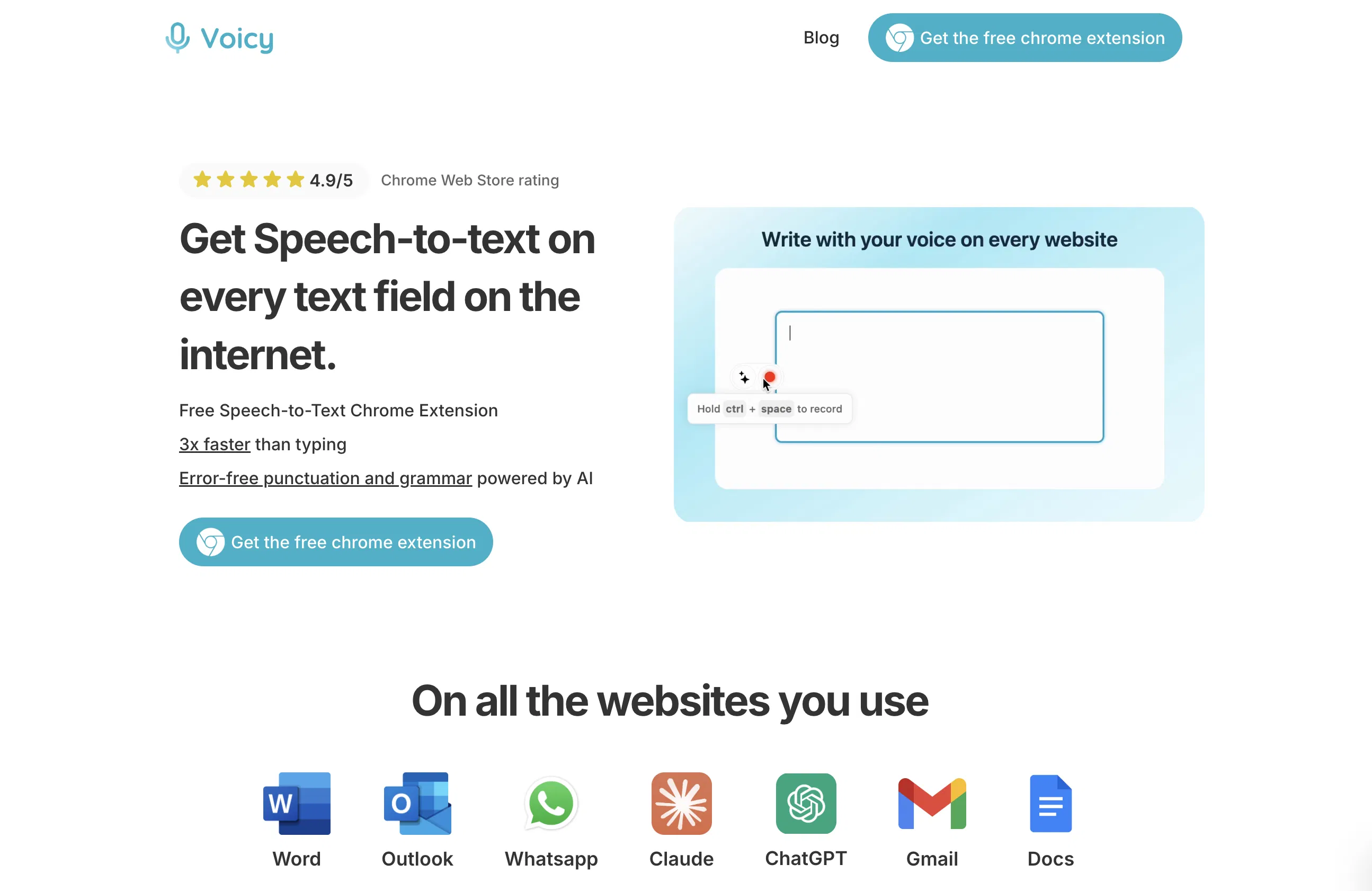
Voicy Speech to Text is a Chrome extension developed to enable seamless voice dictation across all websites, transforming spoken language into accurate written text. This AI-powered tool leverages advanced voice recognition technology to capture and transcribe speech in real-time, dramatically cutting down the time and effort required for manual typing. Its primary value lies in enhancing productivity and accessibility, allowing users to compose messages, fill forms, or write documents simply by speaking, thereby streamlining digital communication and content creation workflows.
Key features include the ability to activate dictation with a simple keyboard shortcut or click, supporting over 100 languages and dialects for broad international usability. It provides real-time transcription with high accuracy, automatically inserting punctuation like periods and commas based on speech pauses. The extension works universally on any website with text input fields, from email clients and social media platforms to document editors and search bars. Users can also edit transcribed text directly before insertion and utilize custom voice commands for formatting, such as creating new lines or paragraphs.
What sets Voicy apart is its deep integration specifically as a browser extension, requiring no app switching or separate software installation; it operates natively within Chrome's ecosystem. Technically, it processes audio locally when possible for speed and privacy, while utilizing cloud-based AI models for complex language understanding and accuracy improvements. It is designed exclusively for the Chrome browser, ensuring lightweight performance and automatic updates. The tool focuses purely on text field dictation without the bloat of additional features, making it a specialized utility for web-based text input.
Ideal for professionals, students, and individuals who need to write or communicate extensively online, such as content creators drafting articles, customer service agents responding to queries, or students taking digital notes. It is particularly valuable for users with mobility impairments or repetitive strain injuries, as it offers a hands-free typing alternative. Specific use cases include composing long emails, posting on social media, writing code comments, filling out lengthy web forms, and live captioning during video calls, making everyday online tasks faster and more efficient.